
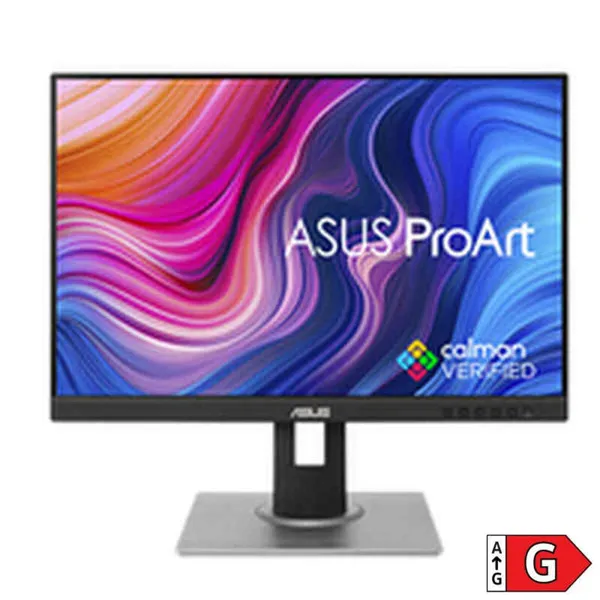
ProArt 24.1″ WUXGA IPS Monitor
$366.99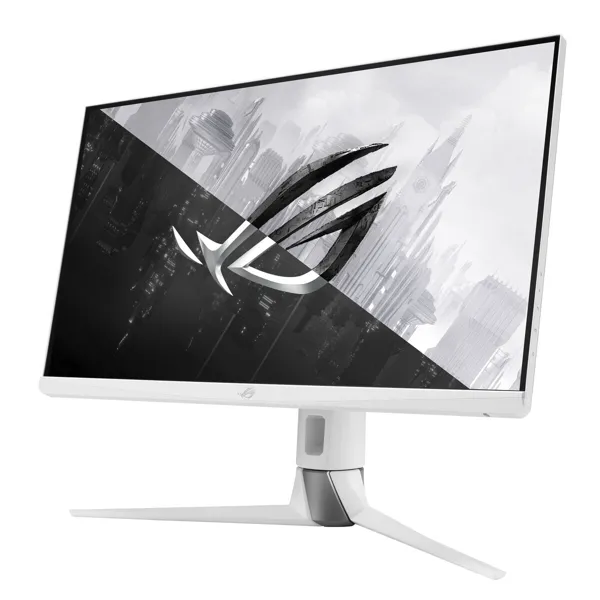

4K Ultra HD 28″ Gaming Monitor
$1,308.99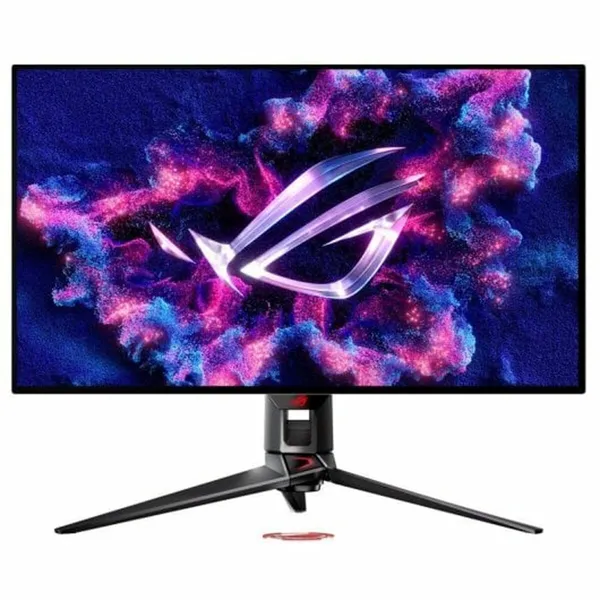
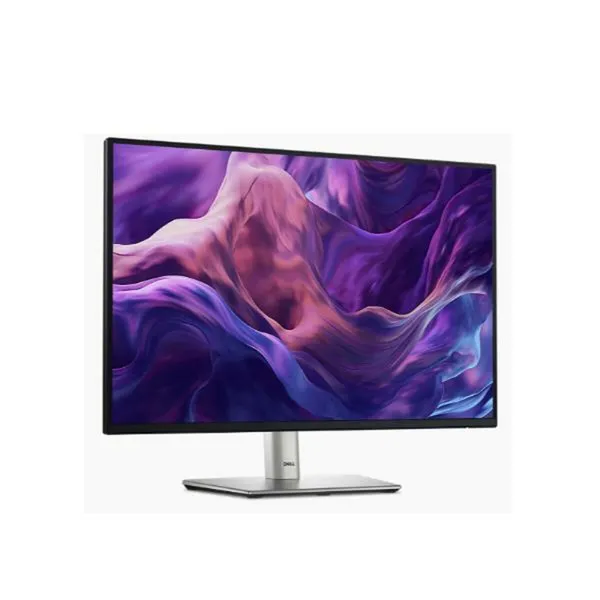
24″ Full HD 100 Hz Monitor
$459.99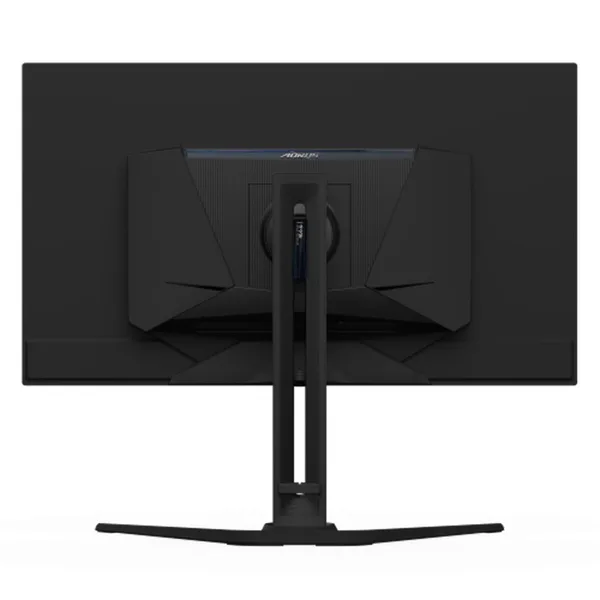
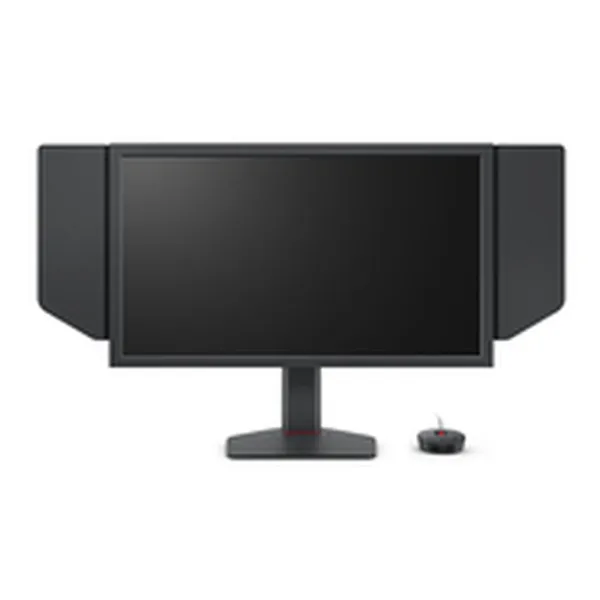
+ Full HD 24.1″ Monitor
$1,431.99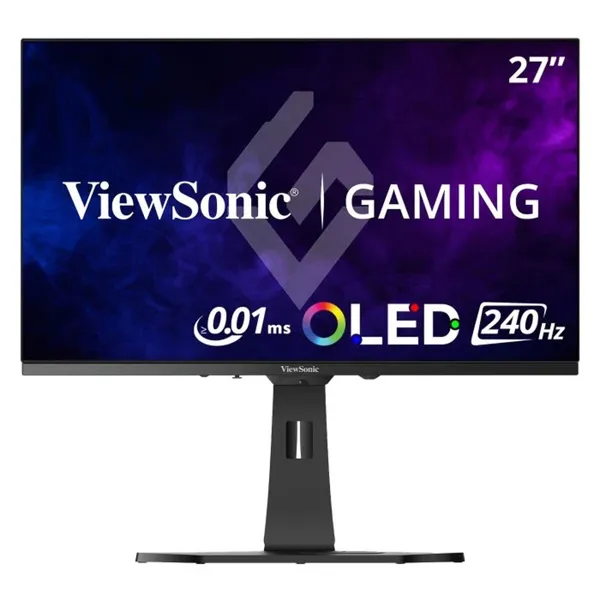
2K-OLED 27″ 2K Quad HD Gaming Monitor
$2,312.99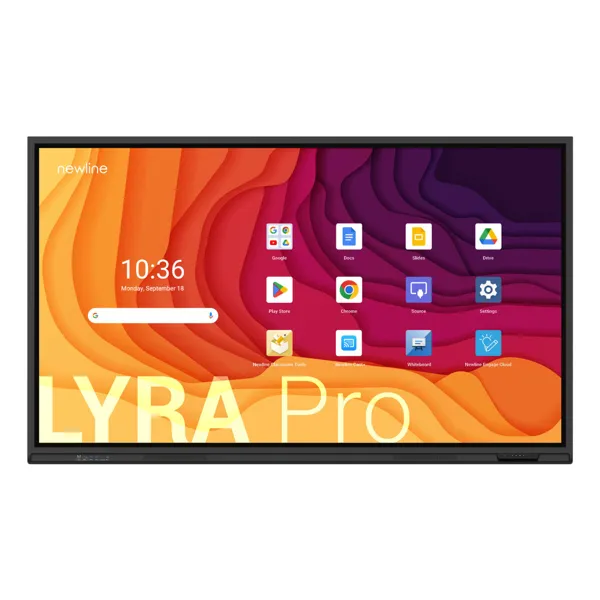
LYRA PRO 98″ 4K Ultra HD Monitor
$10,554.99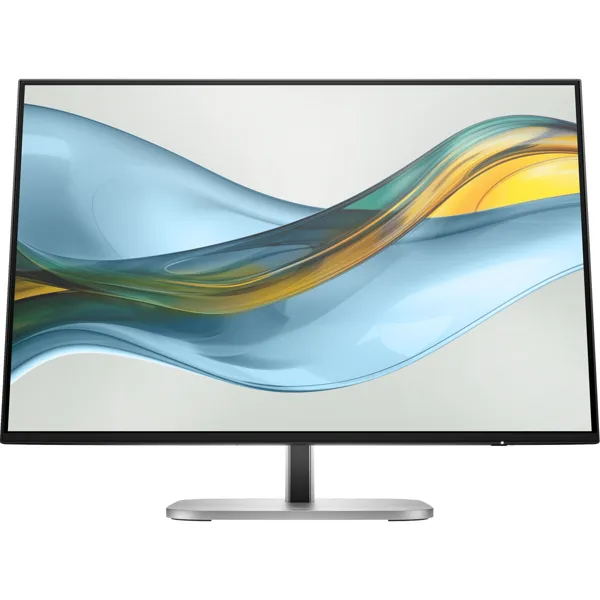
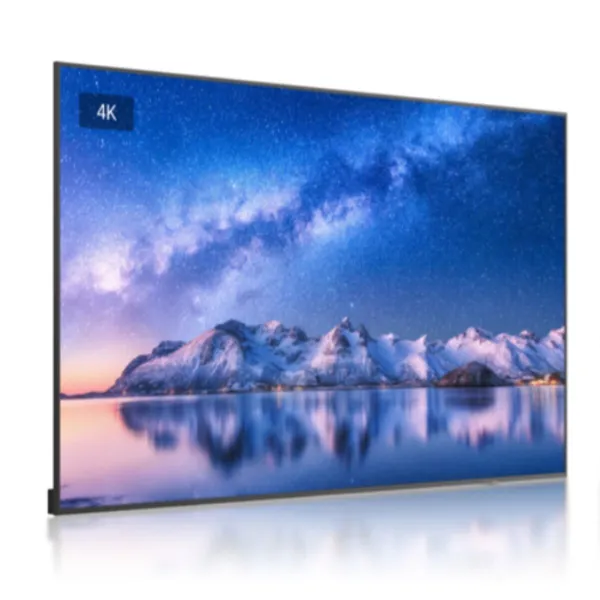
ND65CMA 4K Ultra HD 65″ LED Monitor
$2,517.99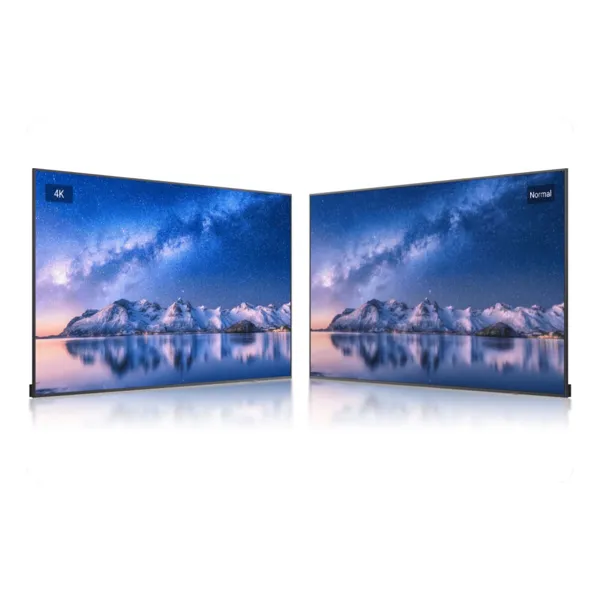
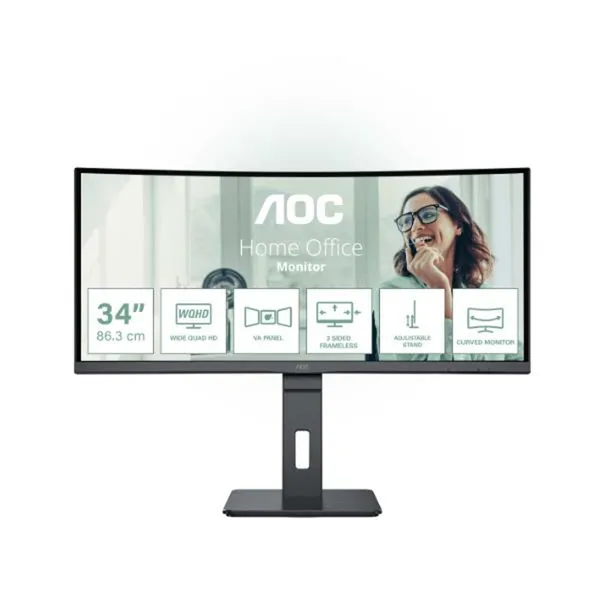

Gaming Monitor 28 in 4K Ultra HD
$1,207.99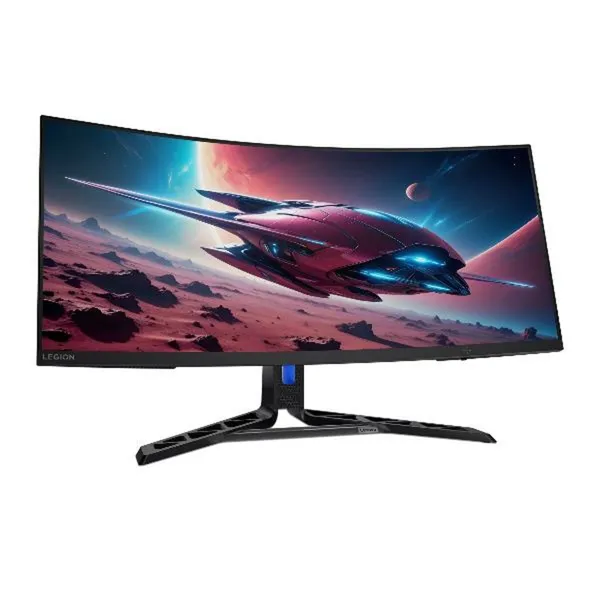
How to choose
- Desk footprint: Measure desk depth and width so extended mats, monitor risers and boom arms sit comfortably without crowding your mouse space.
- Look closely at small details such as edges, seams, joins or fastenings; they show how carefully something is made.
- Compare the makers listed on size, material, finish and care: ASUS, BenQ, Maxhub, DELL and Gigabyte.
- Read the care notes before you choose; easy upkeep matters more for things used every day.
- Let what you already own guide material and colour, so new and old sit well together.
Frequently asked questions
What should I look at first when choosing gaming monitors?
When choosing gaming monitors, start with the job in hand, then size, then material and finish; that order rules out the wrong types quickly.
Should I choose gaming monitors for looks or for function?
With gaming monitors, function comes first because it decides the type and size; within those limits, let your own taste decide the look.
Where do I start if I am new to gaming monitors?
If you are new to gaming monitors, start with a versatile, all-round type in a material that is easy to care for, then add more specialised types once you know what you use.
How do I look after gaming monitors?
Care for gaming monitors depends on the material, so follow the care notes for each item; in general, regular light cleaning and dry storage keep things in good shape.